Luminary System Requirements
Minimum and recommended PC specs for Steam Early Access — solo, co-op host, and Steam Deck considerations.
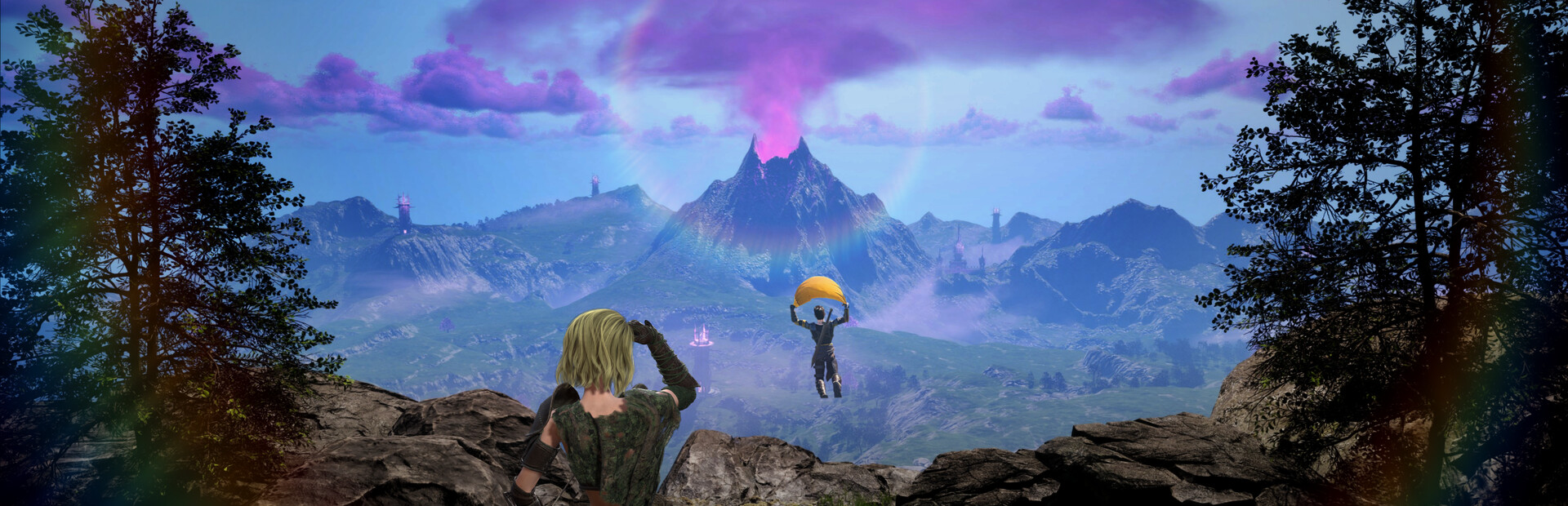
Luminary launches on Steam Early Access August 11, 2026 at $19.99 as a PC title from Refractive Entertainment. The OpenZone ARPG-lite renders real-time weapon swap combat, three-player online co-op add density, hub town scenes, and traversal-heavy geography across roughly half the two-kilometer-square map on day one. Hardware that barely clears minimum specs may run solo acceptably but struggle when hosting drop-in co-op or fighting Tower interiors with heavy particle effects. This page summarizes official Steam requirements and practical tuning so you buy or preload with realistic expectations.
Cross-read Demo Review for performance impressions on the free Very Positive demo and Steam Deck Controls if you plan handheld play.
Official minimum requirements
Per Steam listing at Early Access launch:
| Component | Minimum spec |
|---|---|
| OS | Windows 10 or Windows 11 (64-bit) |
| CPU | Intel Core i7-8700K |
| RAM | 16 GB |
| GPU | NVIDIA GeForce GTX 1080 6 GB |
| Storage | SSD recommended; verify store page for exact GB |
Minimum spec targets 1080p playable framerates in solo town and overworld with settings adjustments. Expect to reduce shadow quality, crowd density, or post-processing in co-op camps or Tower core fights.
Official recommended requirements
| Component | Recommended spec |
|---|---|
| OS | Windows 11 (64-bit) |
| CPU | AMD Ryzen 9 3900X |
| RAM | 16 GB |
| GPU | NVIDIA GeForce RTX 2080 8 GB |
Recommended spec comfortable for 1080p60 or higher with mixed settings, co-op hosting, and longer sessions without thermal throttling on well-cooled desktops. RTX class GPUs also leave headroom for future patch graphics options during Early Access.
What each component affects
CPU — Luminary’s online co-op adds AI and physics load when three players concentrate elites. i7-8700K class CPUs run solo fine but may hitch when hosting busy camp chains from Camps and Treasures. Ryzen 9 3900X class headroom smooths drop-in guest joins.
GPU — GTX 1080 6 GB meets minimum VRAM for 1080p but may dip during Magic Glove effects and Tower shield phases. RTX 2080 8 GB aligns with recommended 60 FPS targets in demo community testing referenced in Demo Review.
RAM — 16 GB is listed for both tiers. Close browser tabs and background launchers before long co-op nights; shared progression sessions in How Co-op Works last hours.
Storage — Install on SSD for faster hub-to-OpenZone transitions even if Steam does not hard-require it. OpenZone design minimizes loading screens but asset streaming still benefits from fast drives.
Co-op hosting guidance
Hosts carry world simulation load. If your machine matches minimum spec only:
- Lower shadow and effect settings before inviting friends.
- Avoid hosting while recording or streaming unless recommended spec or better.
- Let a recommended-spec friend host Tower liberations from Towers and Life Trees.
Guests still need stable networking — drop-in/out co-op punishes packet loss during dodge windows taught in Combat Basics.
Steam Deck and handheld
Steam Deck is not always listed in official PC tiers but demo players report playable handheld sessions with tuned settings — see Steam Deck Controls for layout and 30 versus 60 FPS caps. Deck sits roughly between minimum and recommended depending on AC power and fan profile.
Settings tuning checklist
- Start at Medium preset on minimum spec; High on recommended.
- Disable motion blur if dodge telegraphs feel muddy.
- Cap FPS to monitor refresh to reduce heat on laptops.
- Verify game files after patches if performance cliffs suddenly.
- Update GPU drivers before August 11 launch week co-op plans.
Unsupported or unverified platforms
This wiki tracks Steam PC at Early Access launch. Console or cloud streaming versions are not confirmed here — check Refractive announcements and Early Access Roadmap for platform updates.
Before you buy hardware upgrades
Play the free demo on your current PC first. Very Positive demo performance strongly predicts Early Access feel on the same machine because core assets overlap. If demo framerate satisfies you solo but co-op hitches, upgrade network stability or let friends host before buying a new GPU.
Related preparation
- Controls Hub — input setup after hardware verification.
- Tools Hub — launch checklist for day-one prep.
- Getting Started — install and first session after specs pass.
Frequently Asked Questions
Quick answers to the most common Luminary questions.
What are Luminary's minimum PC requirements?
Windows 10 or 11, Intel i7-8700K, 16 GB RAM, and NVIDIA GTX 1080 6 GB per Steam Early Access listing.
What are the recommended specs?
Windows 11, AMD Ryzen 9 3900X, 16 GB RAM, and NVIDIA RTX 2080 8 GB for smoother co-op and higher settings.
Can I host co-op on minimum spec?
Possible with lowered settings, but recommended spec is safer for three-player camp and Tower fights.
Does Luminary run on Steam Deck?
Demo players report playable handheld sessions with tuning. See Steam Deck Controls for layout and performance tips.
Should I test hardware before buying Early Access?
Yes. Run the free Very Positive demo on your PC to judge framerate before the August 11, 2026 purchase.